

A single incorrect response to a customer inquiry can damage trust in a business.
Panoorin kung paano hinahandle ng CallSupport voice assistant ang iba’t ibang customer inquiries.
Subukan Kung Paano Sumasagot ang Voice Assistant
Makipag-usap sa assistant tulad ng isang customer.
Pwede mong itanong:
• tungkol sa services
• appointment o reservation
• availability ng products
• impormasyon tungkol sa negosyo
PAANO SUBUKAN ANG SYSTEM
Makipag-usap sa Phone Call
Direkta Sa Website
Gamitin ang WhatsApp
Maraming Business Owners ang Sumusubok ng Voice Assistant para makita kung paano ito sumasagot sa Customer Inquiries.
What You Just Experienced
Anong Naranasan mo sa Voice Assistant
Kapag may Customer na tumawag at nagtanong tungkol sa Serbisyo ninyo, maaaring kausapin ng Assistant ang Customer na may tanong tungkol sa negosyo ninyo.
Kayang sagutin ng Assistant ang mga tanong ng Customer tungkol sa:
- Services
- Availabiltiy
- Booking o Reservation
Sa Natural na Voice Conversation
Habang nag-uusap ang Cuxtomer at ang Assistant, maaaring kunin ng System ang pangalan at contact details ng Customer. Ito ay makikita ng Business sa Dashboard.
Kung nagustuhan mo kung paano sumagot ang Voice Assistant, pwede mong makita kung paano ito i-configure para sa iyong sariling negosyo.
Example Conversations From Different Businesses
Paano Ito Ginagamit ng Iba’t-ibang Negosyo?
Kung ganito rin ang mga tanong na natatanggap nyo mula sa customers, maaaring i-configure ang CallSupport™ assistant para sumagot sa mga inquiries na ito.
Tingnan Kung Paano Ito Ise-set Up Para sa Negosyo Ninyo
• I-configure ang assistant para sa inyong services
• I-customize ang responses para sa inyong business
• I-capture ang inquiries ng customers
Mga 20 minutes
See How The System Works
Tingnan Kung Paano Ito Gagana Sa Negosyo Ninyo
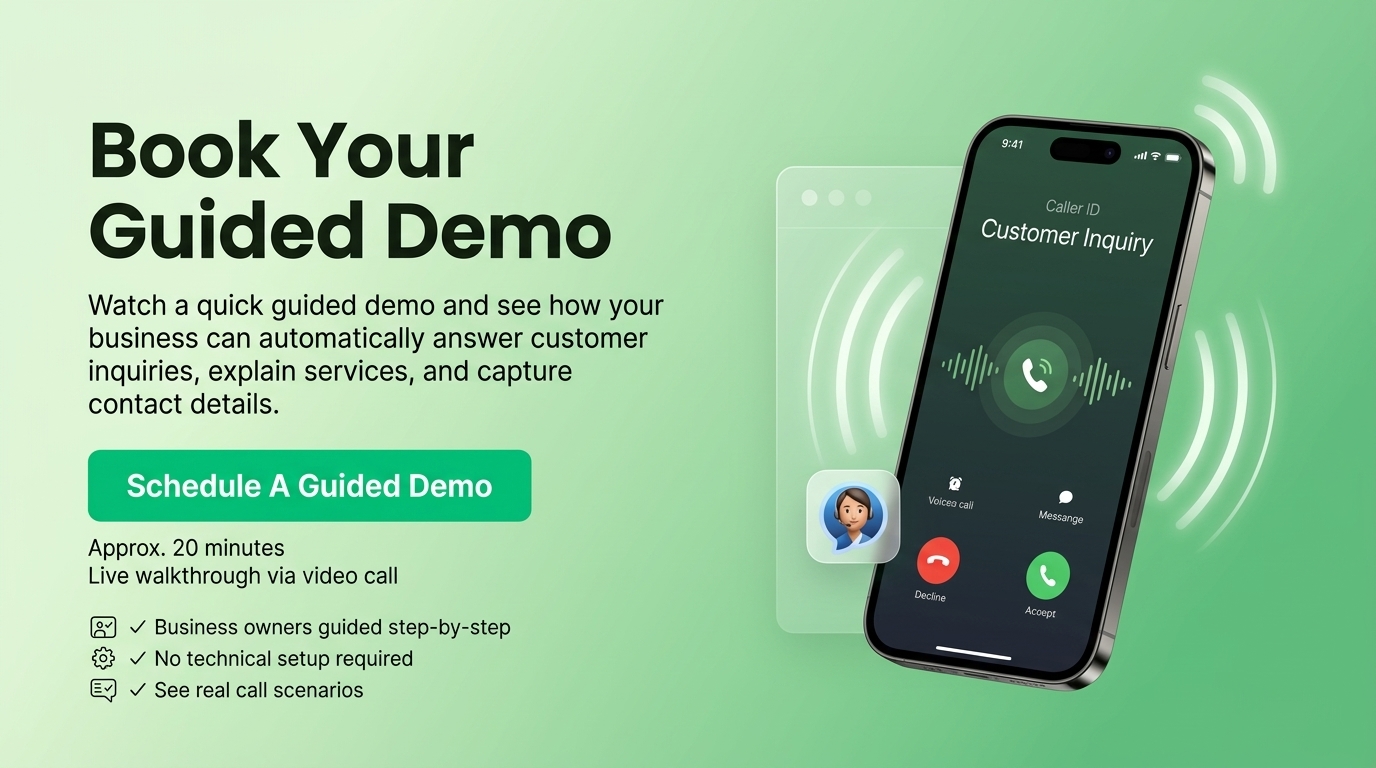
Maraming business owners ang nagse-set ng guided demo upang makita kung paano ginagamit ang CallSupport™ sa kanilang negosyo.
Explore the CallSupport™ Dashboard
Tingnan Kung Paano Ikinokonfigure ang Voice Assistant
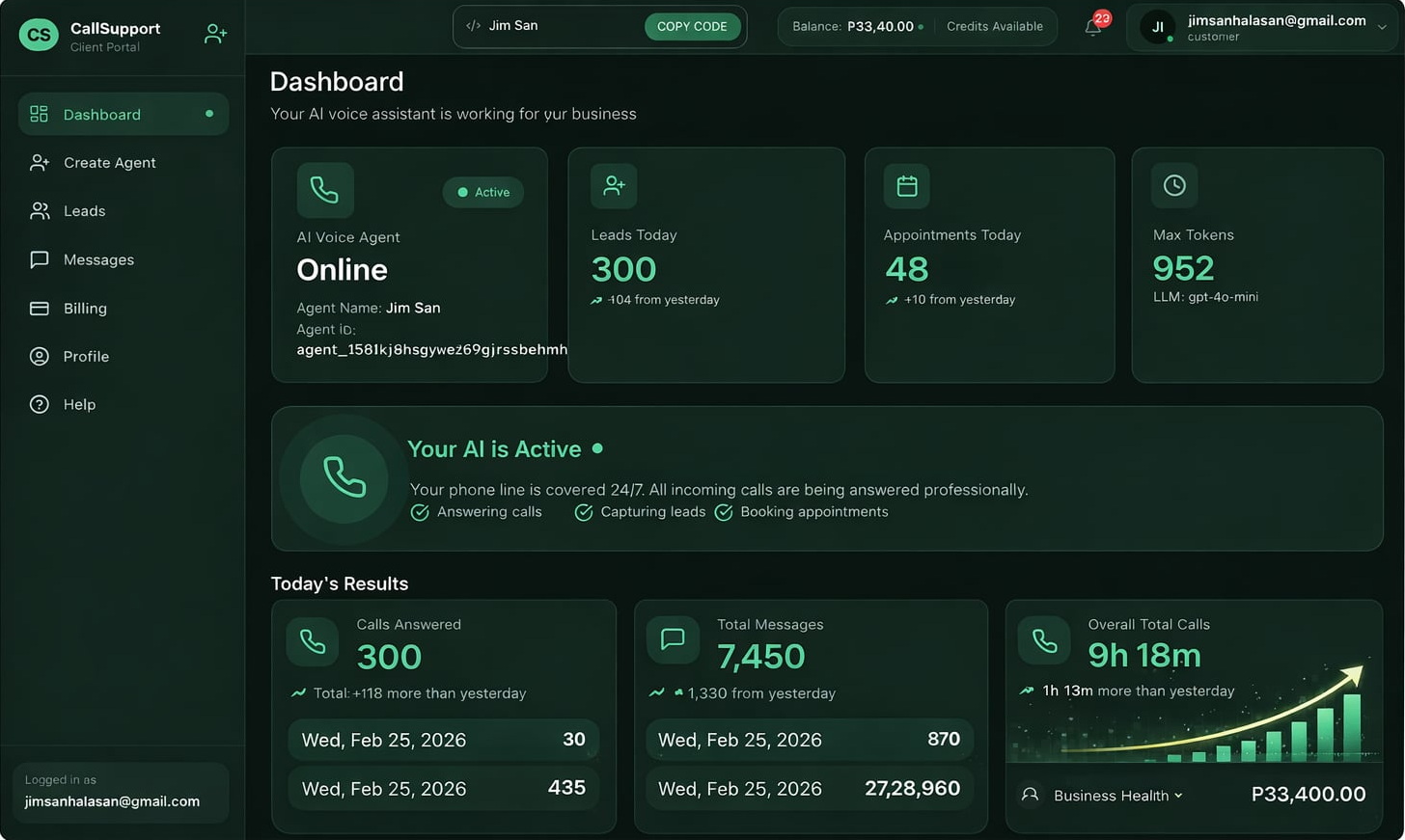
Ano ang Makikita sa Dashboard
• paano sumasagot ang assistant sa customer inquiries
• paano ipinapaliwanag ang services ng negosyo ninyo
• paano kinukuha ang pangalan at contact details ng customer
• paano i-configure ang assistant para sa inyong business
Approx. 20 Minutes
Online demonstration via video call
Kung gusto mong makita kung paano ginagamit ang dashboard, maaari kang magkaroon ng access upang subukan ang system.
✅ Ang dashboard ang ginagamit ng businesses upang i-manage ang kanilang CallSupport™ voice assistant.
Activate Your Voice Assistant
Simulan ang CallSupport™ Para sa Negosyo Ninyo
Most businesses in the Philippines lose money not because they lack customers—but because calls go unanswered, follow-ups are delayed, and bookings fall through.
CallSupport™ Lifetime Access at PHP 3,000 is not a discount.
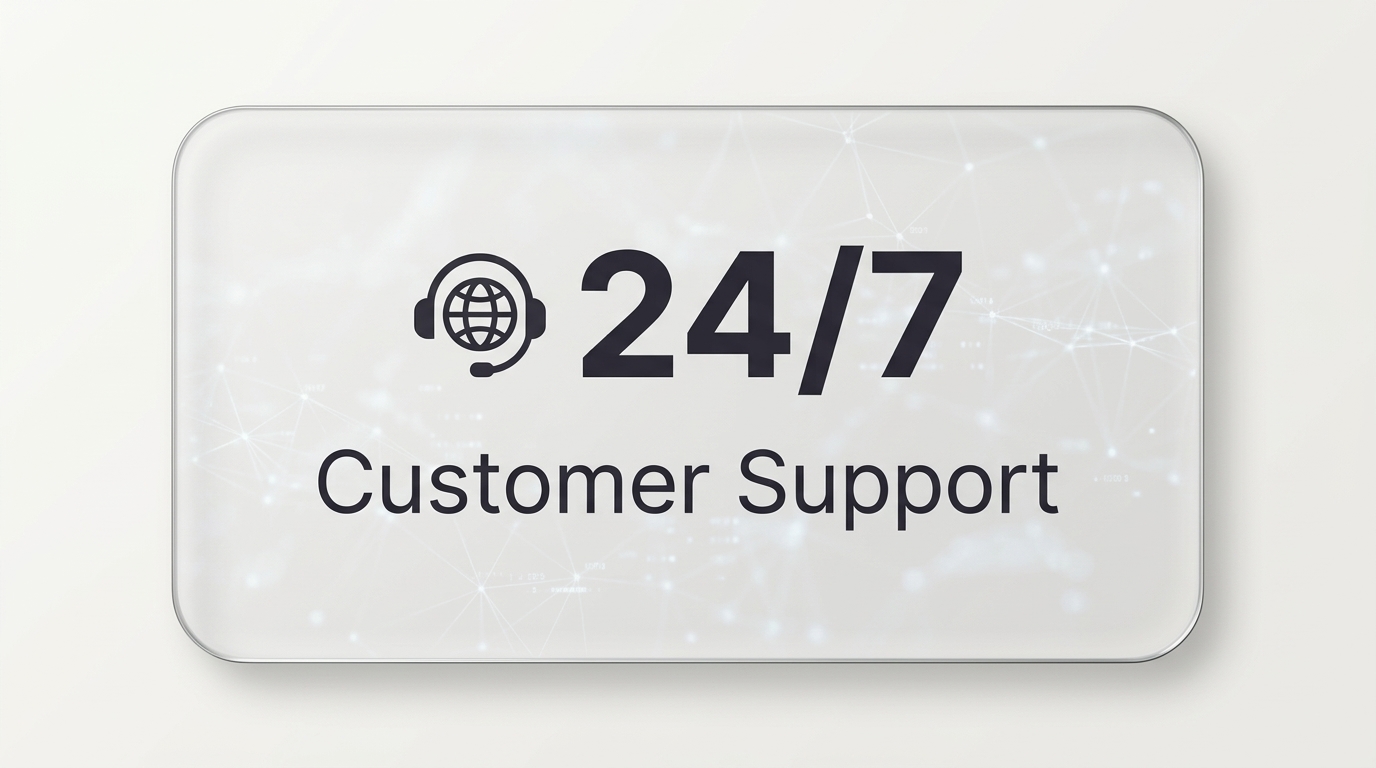
It’s your permanent entry point into an AI Call Agent system that answers calls, qualifies leads, and books appointments 24/7—without hiring staff.
One missed call can cost more than PHP 3,000.
CallSupport™ ensures you never lose another opportunity again.
One-Time Activation
Kapag inactivate ninyo ang CallSupport, magkakaroon kayo ng access sa:
- CallSupport Dashboard
- Configuration ng Voice Assistant
- Pag-set up ng Services ng Negosyo
- Testing ng Voice Interactions
- Pag-Capture ng Customer Inquiries
Ready to Start Your
Built for Filipino Business Needs
Para sa Iba’t-ibang Uri ng Negosyo
Maaaring i-configure ang CallSupport™ upang sumagot ang voice assistant sa iba’t ibang uri ng inquiries depende sa industriya ng inyong negosyo.
Ang CallSupport™ ay flexible at maaaring i-customize para sa anumang uri ng negosyo — mula clinic hanggang restaurant, at retail hanggang service providers.
Aling industriya ang nabibilang ang inyong negosyo?
Trusted by Businesses in the Philippines

Success Stories from CallSupport™ Users
Ano ang Sabi ng Iba’t-ibang Negosyo?
Healthcare Services
Professional Services
Mid-Sized Enterprise
Retail Business
Real Estate & Property Management
Retail & Services
Gusto mo rin ba ang Ganitog Karanasan?
Frequently Asked Questions
What Business Owners Usually Ask Before Installing CallSupport™
1. “What if the system doesn't understand the customer?”
For example, customers often ask about:
• services offered
• operating hours
• basic service explanations
• appointment or reservation inquiries
During the guided demo, we will show how the system responds to these types of questions.
2. “What if the customer wants to talk to a person?”
If needed, the inquiry can still be handled by your staff.
Many businesses use the system to help explain basic information first before a staff member follows up.
3 “Do we need to change our business phone number?”
In most cases, businesses continue using their existing phone number.
The system is simply connected so that customer calls can be handled through the CallSupport setup.
4. “Can this be used on a mobile phone or WhatsApp?”
Depending on the setup, businesses can use the system through:
• business phone number
• WhatsApp calls
• website call button
During the demo, we will explain how these options are used.
5. “Will the system be difficult to use?”
Once installed, the system simply responds when customers contact the business.
During the demo, we will show how inquiries are recorded and how businesses review them.
6. “Can I see how it works first?”
That is exactly the purpose of the guided demo.
During the session, you will see how the system answers a customer inquiry and how businesses use it in their operations.
7. “How much is the installation Fee?”
For this reason, we explain the installation process and pricing during the guided demo after showing how the system works.